
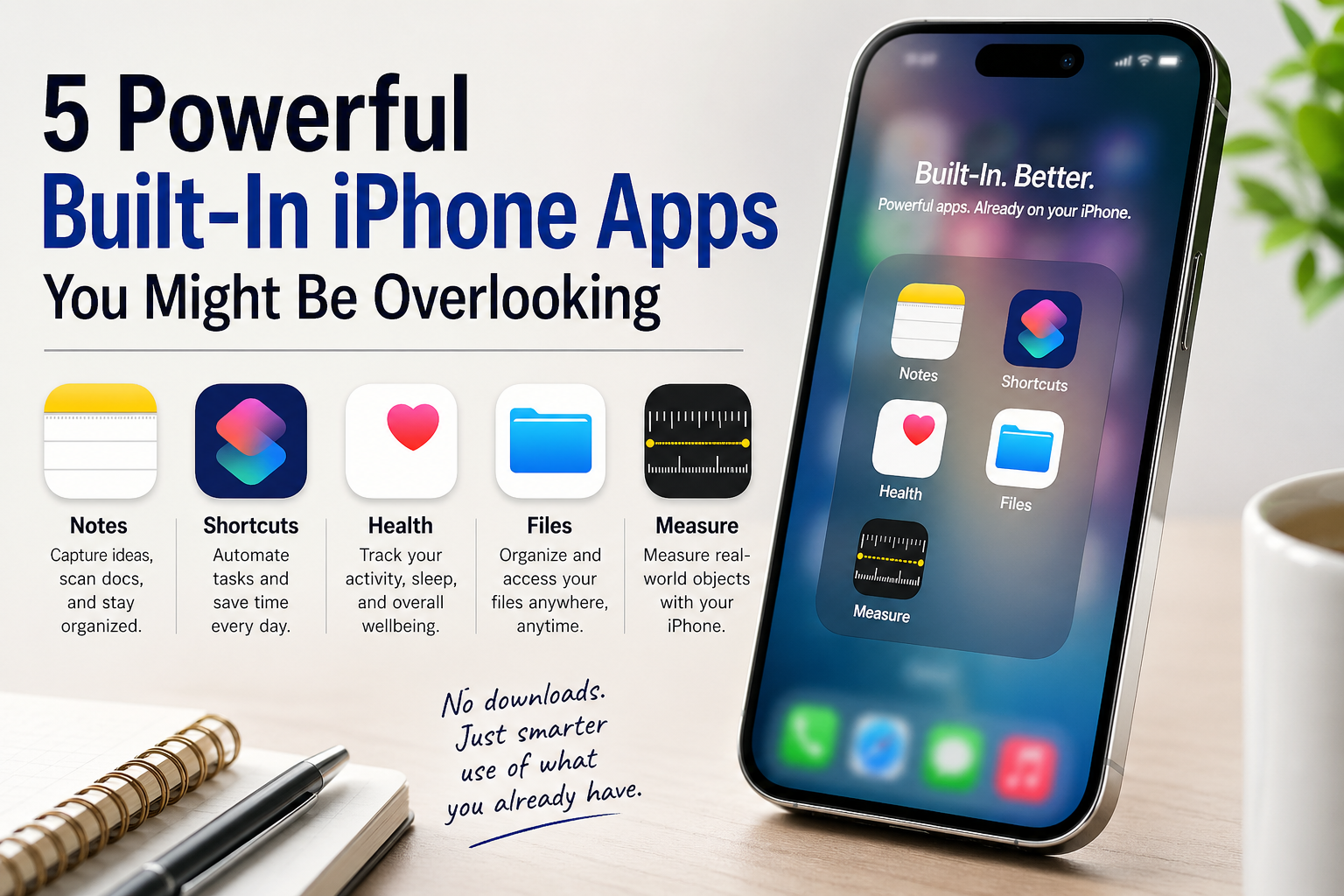
5 Powerful Built-In iPhone Apps You Might Be Overlooking
You don’t need to download anything new to get more out of your iPhone—Apple includes a surprisingly powerful set of built-in apps that many people overlook or underuse. Here are five that are already on your device, along with what they do and how to make the most of them.
1. Notes — More Than Just Simple Notes
 |  |  |
What it does:
A flexible note-taking tool that supports text, images, sketches, scanned documents and more.
Key features:
- Scan documents using your camera
- Create checklists for tasks or packing lists
- Add tags and organize with folders
- Lock sensitive notes with Face ID or passcode
How to use it best:
Use Notes as your “everything inbox.” Save receipts, jot ideas, scan paperwork and tag everything (#work, #home, #ideas) so you can find it later instantly.
2. Shortcuts — Automate Your Daily Tasks
 |  |  |
What it does:
Lets you automate tasks across apps with custom actions and triggers.
Key features:
- Create one-tap workflows (e.g., “Start Workday”)
- Automations based on time, location, or events
- Integration with apps like Calendar, Maps, and Music
- Add shortcuts to your Home Screen or Siri
How to use it best:
Start simple. Create a shortcut that sends a “running late” text, opens Maps, and plays a podcast—all with one tap. Once you get comfortable, build more advanced automations.
3. Health — A Central Hub for Your Wellbeing
 |  |  |
What it does:
Tracks health metrics like steps, walking distance, sleep and more in one place.
Key features:
- Step counting and activity tracking
- Sleep tracking and trends
- Medical ID for emergencies
- Integration with third-party fitness apps
How to use it best:
Set up your Medical ID—it can be accessed from your lock screen in emergencies. Then periodically check trends rather than obsessing over daily numbers.
4. Files — Your iPhone’s Hidden File System
 |  |  |
What it does:
Lets you organize documents, downloads and files across your device and cloud services.
Key features:
- Access iCloud Drive and third-party storage (Google Drive, Dropbox)
- Create folders and organize files
- Scan and save documents
- Preview PDFs, images, and more
How to use it best:
Use Files as your central hub for documents instead of letting things scatter across apps. Create a simple folder system like “Personal,” “Work” and “Receipts.”
5. Measure — A Digital Tape Measure
 |  |  |
What it does:
Uses augmented reality (AR) to measure objects and spaces using your camera.
Key features:
- Measure length, width, and height of objects
- Automatically detects rectangular shapes
- Built-in level tool
- Quick screenshots of measurements
How to use it best:
It’s perfect for quick estimates—like checking if furniture will fit or measuring wall space. For best accuracy, move your phone slowly and ensure good lighting.
Final Thoughts
Your iPhone already comes loaded with tools that can boost productivity, organization and even creativity—you just need to know where to look. Apps like Notes and Files can replace multiple third-party tools, while Shortcuts can automate tasks you didn’t even realize could be automated.